
AI Video Tools Under 300 Rupees India 2026: The Ultimate Student-Friendly Guide
Estimated reading time: ~14 minutes
Key Takeaways
- You can build a complete AI video workflow for under ₹300 using free tiers, micro-pricing, and UPI-enabled tools.
- Use a Rotation Strategy across multiple tools to stretch daily free credits and keep costs near ₹0.
- Combine avatar tools (Vidnoz, D-ID) and faceless stacks (InVideo, Pika, CapCut) for high-volume short-form content.
- UPI payments and student discounts reduce friction and fees for Indian creators in 2026.
- A 30-minute workflow and smart credit use can deliver videos at ₹5 per video; upgrade to Studio by TrueFan AI when scaling.
In the rapidly evolving digital landscape of 2026, creating high-quality content no longer requires a massive production budget or a high-end studio. For Indian college students, side-hustle creators, and first-time video makers, the barrier to entry has vanished. Finding AI video tools under 300 rupees India 2026 is now a reality, enabling anyone to produce professional-grade reels, explainers, and YouTube shorts for the price of a single pizza. Platforms like Studio by TrueFan AI enable creators to bridge the gap between amateur clips and professional-grade storytelling by providing accessible, high-tech solutions that fit within a modest budget.
This guide is designed for the "ultra-budget" creator—those who need to keep their monthly tool spend at or below ₹300. By strategically combining free tiers, leveraging India-specific UPI payment options, and utilizing student discounts, you can achieve a workflow that brings your effective cost down to less than ₹5 per video. Whether you are building a faceless YouTube channel or a personal brand with AI avatars, the tools available in 2026 offer unprecedented power without the heavy price tag.
1. The Rise of Ultra-Budget AI Video in India 2026
The Indian creator economy has undergone a massive shift. According to recent 2026 market data, over 15 million Indian students now actively use AI video tools for academic projects and digital side-hustles. This surge is driven by the "ultra-budget" philosophy: a commitment to keeping total creator stack spend ≤ ₹300 per month. In 2026, this is achieved not through a single "magic" app, but through a combination of free tiers, no-credit-card trials, and micro-pricing.
Understanding Micro-Pricing and ROI
Micro-pricing is the 2026 standard for Indian SaaS. Instead of committing to a ₹1,500/month subscription, creators now opt for small credit packs or "pay-per-export" models. This allows you to hit a target of video editing under 5 rupees per video. For example, if you spend ₹250 on a one-time credit pack and produce 50 short-form videos using a mix of free assets, your cost per video is exactly ₹5.
The 2026 India-First Nuance
The most significant change in 2026 is the localization of payments. With 78% of Indian Gen Z creators preferring UPI-enabled tools, the friction of needing a credit card for international SaaS has largely disappeared. Domestic billing in INR also helps creators avoid the 3-5% foreign exchange fees that used to plague budget-conscious users.
Source: India's Experience Economy Booms in 2026
2. AI Video Generator Without Subscription India: Truly Free & No-CC Trials
For many students, the best subscription is no subscription at all. An AI video generator without subscription India refers to tools that offer robust free accounts or trials that do not require a credit card (No-CC) to sign up. This is crucial for the Indian market where many students do not own credit cards.
Top No-Subscription Picks for 2026:
- CapCut (Web/Mobile): CapCut remains the king of free AI video editing. Its AI video generator and auto-captioning features are available without a monthly fee. It is the perfect "hub" for assembling clips generated in other tools.
- Best for: Final assembly, auto-captions, and mobile-first editing.
- Link: CapCut AI Video Generator
- InVideo AI: This is a prompt-to-video powerhouse. You can type a script like "Create a 60-second reel about the history of Biryani," and it will generate the script, voiceover, and b-roll. The free tier is generous, though it includes a watermark.
- Best for: Faceless YouTube channels and quick script-to-video workflows.
- Link: InVideo AI Generator
- HeyGen Free: While the paid plans are premium, the free tier allows for limited monthly avatar videos. It is the gold standard for lip-syncing and realistic virtual presenters.
- Best for: High-quality talking head introductions.
- Link: HeyGen Pricing
- Pika Labs & Haiper: These tools are essential for "cinematic b-roll." By rotating between Pika, Haiper, and Genmo, you can bypass individual daily credit caps and generate 15-20 high-quality stylized clips per day for free.
- Best for: Stylized motion and cinematic inserts.
- Link: Best Free AI Video Generators 2026
The "Rotation Strategy"
The secret to staying under ₹300 is the "Rotation Strategy." Since most tools offer daily or monthly free credits, creators in 2026 use 3-4 different platforms for different parts of the video. Use InVideo for the script, Pika for the visuals, and CapCut for the final edit. This keeps your cash outlay at zero while maximizing output. See the free AI video generator unlimited guide for tactics.

3. India-First Payments: UPI Support & Student Discount Strategies
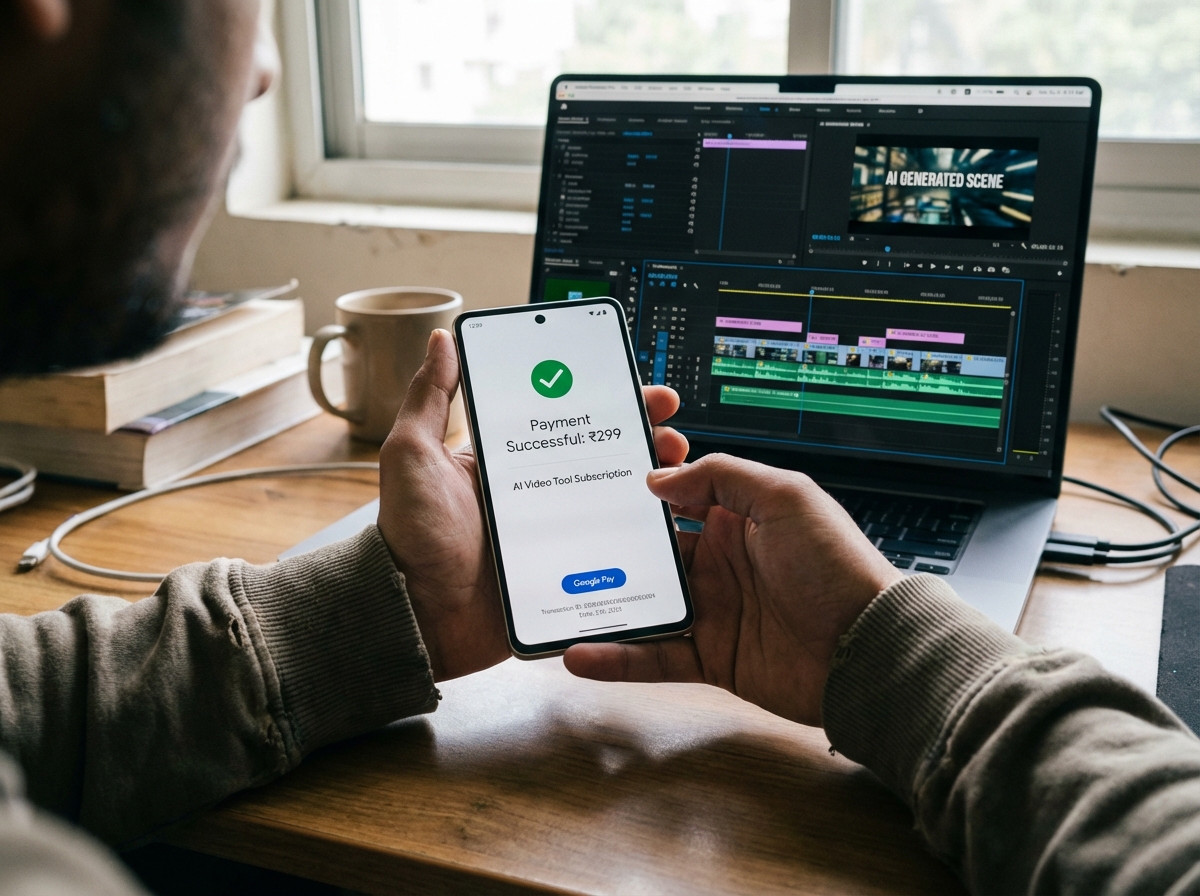
When you do need to spend money—perhaps to remove a watermark for a client project or to access a specific premium avatar—the payment method matters. AI video UPI payment India support is a non-negotiable feature for the modern Indian student.
Tools with Native UPI & INR Support:
- Canva: Canva has fully integrated UPI (Google Pay, PhonePe, Paytm) for its Pro features. If you need premium templates or their "Magic Media" video generator, you can pay via a simple QR code scan.
- Link: Canva UPI Help
- Animaker: Specifically localized for the Indian market, Animaker allows for INR billing and supports Indian debit cards and UPI.
- Link: Animaker Pricing
- Steve.ai: Another Indian-origin favorite that offers seamless UPI checkout and pricing structures that often fall within the "micro-pack" category.
- Link: Steve.ai Pricing
Maximizing Student Discount AI Video Tools India
Most global AI platforms offer educational discounts, but the trick is knowing how to verify your status in India.
- The .ac.in Advantage: Always use your college email ending in
.ac.inor.edu. This often triggers an automatic 30-50% discount. - ISIC Cards: If your college doesn't provide an email, an International Student Identity Card (ISIC) is widely accepted by platforms like Adobe and Canva.
- Manual Verification: Some tools allow you to upload a photo of your Student ID. Always check the "Education" or "Pricing for Students" link at the bottom of the website before paying full price.
4. The Avatar & Faceless Video Stack for Creators
In 2026, the two most popular video formats for budget creators are "Avatar-led" (talking heads) and "Faceless" (stock/b-roll with voiceover). Finding the cheapest avatar video generator India requires looking at credit efficiency.
The Avatar Stack (Talking Heads):
For videos where a virtual presenter speaks to the camera, you need precision lip-syncing. Studio by TrueFan AI's 175+ language support and AI avatars provide a benchmark for how these tools should function, offering photorealistic virtual humans that can deliver scripts in Hindi, Tamil, Bengali, or Hinglish with perfect inflection. Learn more in our AI Voice Cloning Indian Accents guide.
- Vidnoz: Excellent for "talking photos." You can upload a still image and have it speak your script. The free tier offers daily credits that refresh, making it ideal for short, daily updates.
- Best for: Talking photo hooks and daily micro-exports.
- Link: Vidnoz Credits
- D-ID: While more restrictive on its free tier, D-ID offers a "Studio" trial that is great for testing high-end animations.
- Best for: High-fidelity lip-sync tests.
- Link: D-ID Pricing
The Faceless Stack (No Camera Needed):
Budget faceless video tools free are the backbone of the "cash cow" YouTube movement. See our Genmo AI Review India (Free) for tactics.
- Scripting: Use ChatGPT or Claude (Free tiers) to write your script.
- Visuals: Use InVideo AI to automatically match stock footage to your script.
- Voiceover: Use ElevenLabs (Free tier) for the most realistic AI voices, then import the audio into CapCut.
- Polish: Use CapCut’s auto-caption feature to add those "Alex Hormozi style" captions that keep viewers engaged.
Source: Free AI Video Generator Unlimited Guide
5. The Zero-Cost Studio: Workflow & The ₹5/Video ROI Calculator
Creating a zero-cost AI video studio India is about workflow optimization. You don't need a ₹50,000 laptop; you just need a browser and a plan.
The 30-Minute "Pro" Workflow (₹0 Cost):
- Step 1 (0-5 mins): Generate a script in InVideo AI using a prompt like "5 life hacks for Indian college students."
- Step 2 (5-15 mins): Use the generated draft. If any b-roll looks generic, replace it by generating 2-3 custom clips in Pika or Leonardo Motion.
- Step 3 (15-20 mins): If you need a "hook" (the first 5 seconds), use Vidnoz to create a talking avatar that introduces the topic.
- Step 4 (20-30 mins): Bring everything into CapCut. Add trending music from the library, apply auto-captions, and export in 1080p.
The "Under ₹5 per Video" Math:
To prove that this is sustainable, let's look at the ROI. Solutions like Studio by TrueFan AI demonstrate ROI through efficiency and scale, but at the student level, the math is even simpler:
| Variable | Scenario A (100% Free) | Scenario B (Micro-Spend) |
|---|---|---|
| Monthly Spend | ₹0 | ₹250 (One credit pack) |
| Videos Produced | 15 Reels | 50 Reels |
| Cost Per Video | ₹0 | ₹5 |
| Potential Earnings | Ad revenue/Affiliate | Client work/Brand deals |
By keeping your costs at ₹5 per video, even a small brand deal of ₹1,000 for a reel results in a 200x return on investment. This is why pocket friendly video creator apps are the most powerful tools in a student's arsenal in 2026.
6. 2026 Comparison Leaderboard & Top 5 Student Stacks
To help you choose, here is the 2026 leaderboard for free AI video tools comparison India. See our extended notes in the Genmo AI Review India 2026.
| Tool | Free Plan Cap | Watermark? | UPI Support? | Best For |
|---|---|---|---|---|
| CapCut | Unlimited | No (on export) | N/A (Free) | All-in-one editing |
| InVideo AI | 10 mins/week | Yes | Yes (Paid) | Script-to-Video |
| HeyGen | 1 credit/mo | Yes | No | Premium Avatars |
| Vidnoz | 1 min/day | Yes | Yes | Talking Photos |
| Pika Labs | 30 credits/day | Yes | No | Cinematic B-roll |
| Canva | 50 generations | No | Yes | Templates & Reels |
Top 5 Student Stacks for 2026:
- The "YouTube Shorts" Crusher: InVideo AI (Script) + ElevenLabs (Voice) + CapCut (Edit). Total Cost: ₹0.
- The "Personal Brand" Builder: Vidnoz (Daily Avatar) + Canva (Backgrounds) + CapCut (Captions). Total Cost: ₹0.
- The "Client Freelancer" Stack: Canva Pro (via Student Discount) + InVideo (Paid Micro-pack via UPI). Total Cost: ~₹299.
- The "Cinematic Storyteller": Leonardo Motion + Pika + Haiper (Rotating credits for 20+ clips/day). Total Cost: ₹0.
- The "Hinglish" Educator: Steve.ai (for Indian context) + CapCut (for Hindi captions). Total Cost: ₹0.
Source: Best Free AI Video Generators 2026 India
7. FAQs & Scaling to Professional Standards
Q1: Which AI video tools accept UPI in India?
A: As of 2026, Canva, Animaker, and Steve.ai are the leaders in supporting UPI payments (Google Pay, PhonePe, etc.). This makes them the most accessible AI video tools under 300 rupees India 2026 for those who want to upgrade without a credit card.
Q2: Can I use these tools for commercial work if they have a watermark?
A: Generally, no. Most free tiers require you to remove the watermark for commercial use. However, you can use the "Rebuild Strategy": use the free tool to get the idea and timing, then use free assets in CapCut or Canva to rebuild the video without the branded watermark.
Q3: How do I get the student discount for AI tools in India?
A: Sign up with your .ac.in email address. If the discount doesn't apply automatically, email their support team with a photo of your valid college ID. Most platforms will provide a coupon code within 24-48 hours.
Q4: Is there a way to get unlimited AI video generation for free?
A: While no single tool offers "unlimited" high-quality generation for free, you can achieve a similar result by rotating between 5-6 different tools. By the time you exhaust credits on one, the daily credits on the first tool have usually refreshed. Explore our free AI video generator unlimited guide.
Q5: How does Studio by TrueFan AI compare to these budget tools?
A: While budget tools are great for students, Studio by TrueFan AI is designed for those ready to scale. It offers licensed influencer-style avatars and HD/4K outputs that are essential for brand safety and professional compliance. It’s the logical "next step" once your side-hustle starts generating consistent revenue.
Scaling to the Professional Level
For institutions, universities, and growing brands, the "free tier" eventually becomes a bottleneck. When you need to generate 100+ localized videos a month with consistent quality and legal safety, you move toward enterprise-grade solutions. See our overview of Enterprise Video Analytics Platform.
TrueFan AI Studio offers a bridge for those who have outgrown the student stacks. With features like:
- Licensed Avatars: No risk of deepfake legal issues.
- 175+ Languages: Perfect for the diverse Indian market.
- API Integration: Automate your video production pipeline. Read the MLOps video production infrastructure guide.
- Compliance: ISO 27001 & SOC 2 certified for data security.
Whether you are starting with a ₹0 budget or scaling to a professional agency, the AI video revolution in India is just beginning. Start with the free stacks, master the workflow, and use the 2026 toolset to turn your creativity into a career.
Recommended Internal Links
- Free AI video generator unlimited: India 2026 picks and tips
- Pika Labs vs Haiper free comparison India 2026
- Genmo vs Pika quality comparison: Which AI video wins?
- Genmo AI Review India Free: Best No-Cost Video Tools 2026
- AI Voice Cloning Indian Accents
- Voice Cloning Emotion Control India: 2026 Guide
- MLOps Video Production Infrastructure at Enterprise Scale
- Enterprise Video Analytics Platform: ROI and Attribution
Frequently Asked Questions
What are the best AI video tools under ₹300 in India for 2026?
Top picks include CapCut (editing and captions), InVideo AI (script-to-video), Vidnoz (talking photos), Pika/Haiper (cinematic b-roll), and Canva (templates). Rotate free credits to keep monthly spend ≤ ₹300.
How do UPI payments and student discounts reduce costs?
UPI removes foreign card friction and FX fees; platforms like Canva, Animaker, and Steve.ai support INR/UPI. Verify with a .ac.in email or ISIC to unlock 30–50% student discounts.
Can I create a faceless YouTube workflow for free?
Yes. Use ChatGPT/Claude for scripts, InVideo AI for stock visuals, ElevenLabs for voiceover, and CapCut for final edits and captions. Rotate tools to leverage daily free credits.
How can I keep my cost per video under ₹5?
Combine free tiers with micro-credit packs. Example: ₹250 for a credit pack producing ~50 shorts yields ₹5/video. Follow the 30-minute workflow to maximize efficiency.
When should I upgrade to Studio by TrueFan AI?
Upgrade when you need licensed avatars, HD/4K outputs, and scalable production for clients or brands. Studio by TrueFan AI adds brand safety, API automation, and enterprise-grade compliance.



